Samsung One UI 9 to Give Users Control Over Home Screen Search: 7 Key Insights
Imagine swiping up on your Samsung Galaxy home screen and being asked which search engine to use—Finder, Google, or both. That's exactly what a recent leak suggests Samsung is preparing for its upcoming One UI 9 update. Following the rebranding of S Finder to Finder in One UI 8.5, code strings discovered in leaked builds hint at a new level of customization. This feature would let users choose their preferred home screen search service, from Finder and Google to a combination or even none at all. Let's dive into the seven most important things you need to know about this development.
1. The Leak Discovery: Code Strings Reveal Upcoming Choice
In leaked builds of One UI 9, eagle-eyed analysts uncovered specific code strings that point to a new setting for home screen search. These strings include options like "Finder," "Google," "Both," and "None"—suggesting that users will soon be able to decide which service handles their home screen searches. While the leak is not official, it strongly aligns with Samsung's recent moves to refine its search experience. The presence of these strings indicates that development is well underway, though the final implementation may change before public release. For now, this discovery gives us a clear look at Samsung's direction: greater flexibility for users.
2. The Rebranding of S Finder to Finder in One UI 8.5
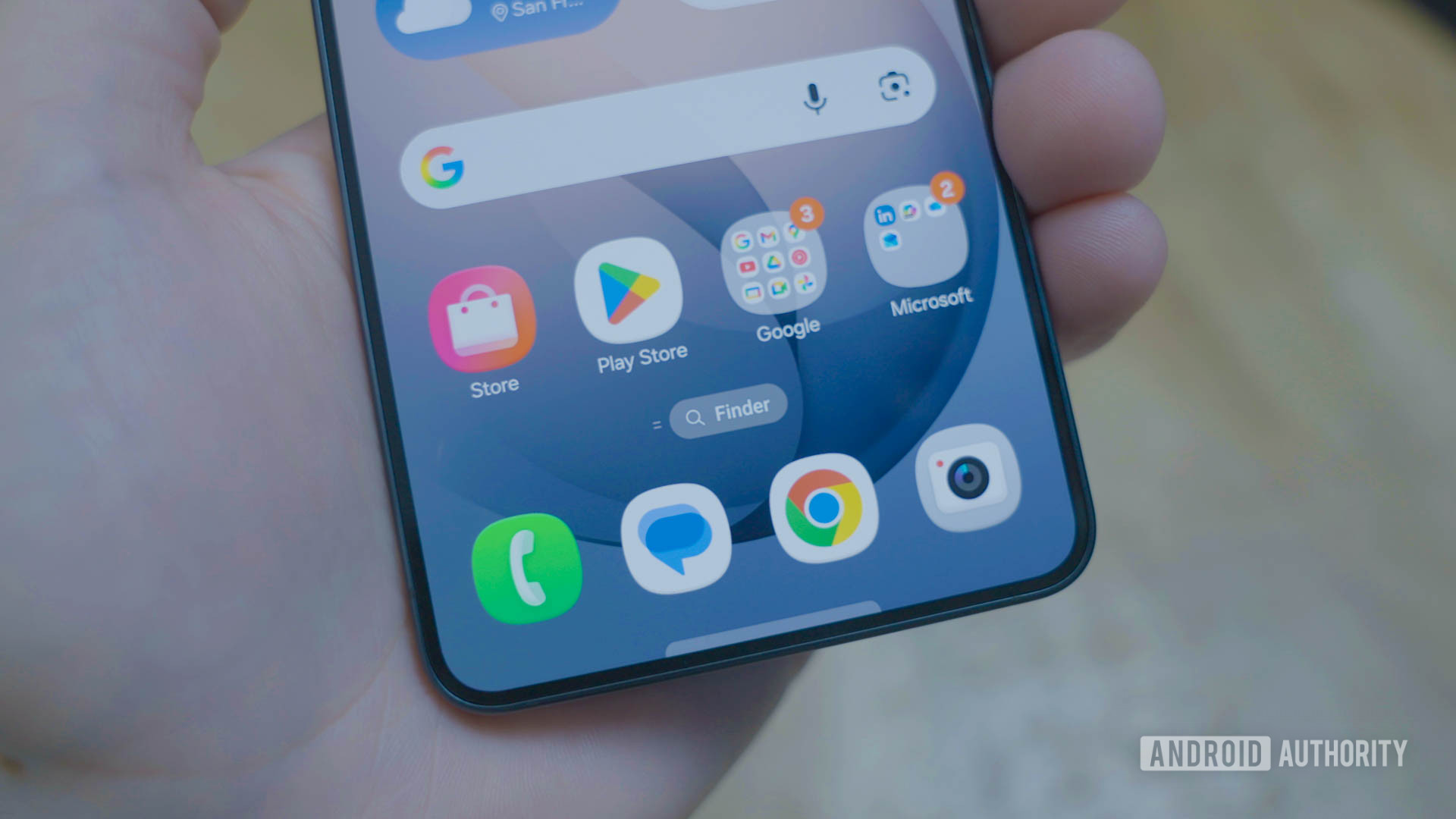
Before One UI 9, Samsung took a significant step with One UI 8.5, which debuted on the Galaxy S26 series. In that update, the company rebranded the long-standing "S Finder" app to simply "Finder" and gave it a dedicated spot on the home screen. The new Finder also introduced semantic search capabilities, allowing it to understand context better than before. This rebranding was the foundation for the upcoming changes. By separating Finder from the Samsung ecosystem branding, the company signaled its intention to treat Finder as a standalone, flexible search tool—paving the way for the user-choice feature we're now seeing in One UI 9 leaks.
3. New Search Options: Choose Finder, Google, Both, or Neither
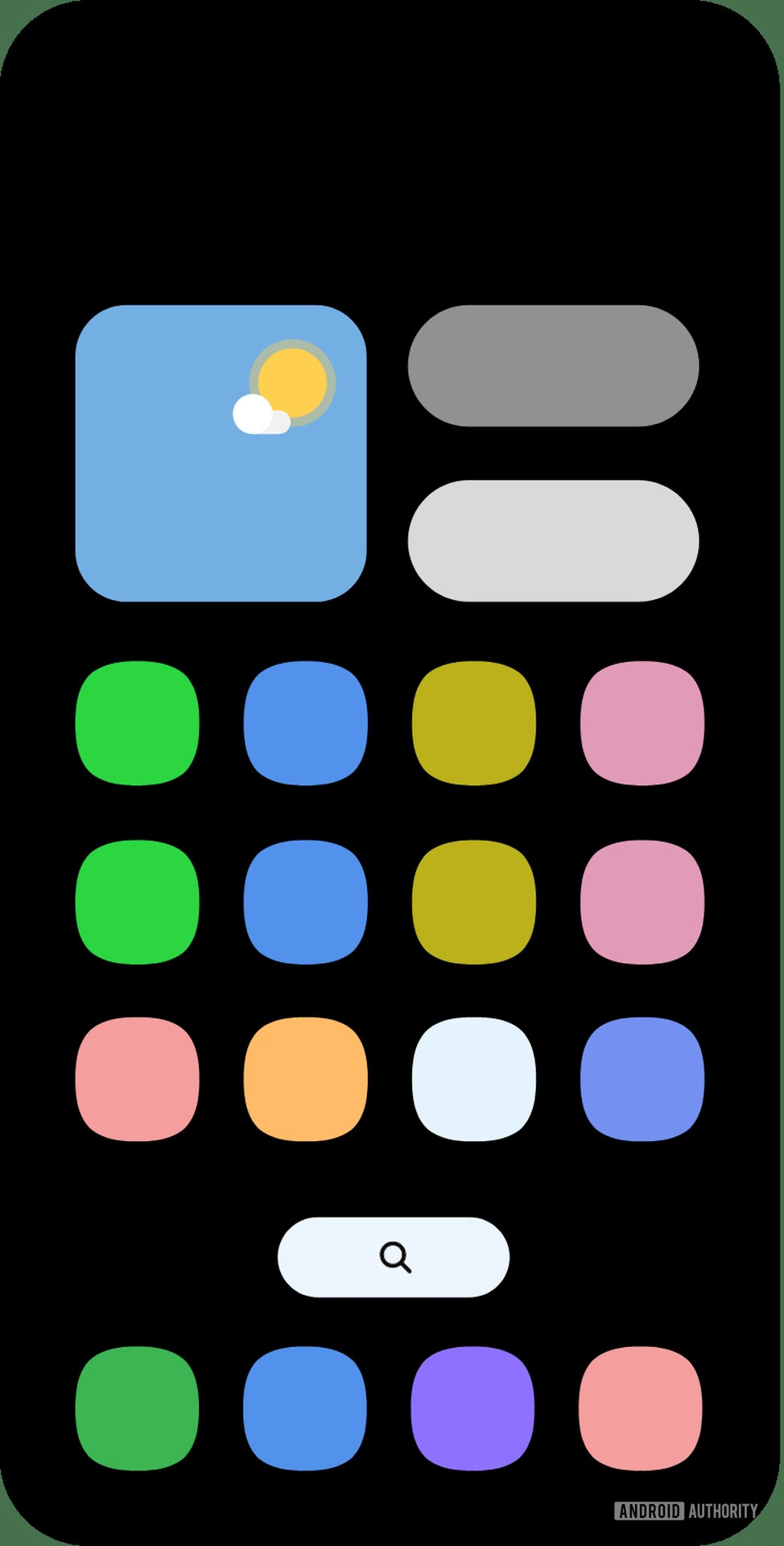
The core of the leak is a settings panel that would let users pick their default home screen search service. The options appear straightforward: you can set Finder, Google, both (likely offering a choice each time or displaying results from both), or disable search entirely. This is a major departure from the current fixed setup, where swiping down always invokes Finder. The "Both" option is particularly intriguing—it could allow users to see results from two sources simultaneously or prompt a quick selection. For those who prefer a clean home screen without any search at all, the "None" setting provides ultimate minimalism. This level of control puts users firmly in the driver's seat.
4. How the Feature Works: Integration with Semantic Search
One UI 9's search customization isn't just about picking an app; it builds on the semantic search introduced in Finder with One UI 8.5. Semantic search understands the intent behind queries, not just keywords. If you choose Google, the system will delegate the search to Google's engine while still using Samsung's gesture and home screen interface. If you select Finder, you'll get local and device-based results enhanced by semantic understanding. The coding suggests a seamless handoff—no awkward delays or extra steps. This integration ensures that regardless of your choice, the search experience remains fast and intuitive, with the only difference being the source of results.
5. A Direct Comparison to Pixel Launcher's Google Search
This move closely mirrors the approach taken by Google's Pixel Launcher, where the home screen search bar is tied directly to Google Search. By allowing users to pick Google as their default, Samsung is effectively offering a Pixel-like entry point for those who prefer Google's search results over its own. However, Samsung goes a step further by also offering Finder and the combination option. The comparison highlights how Samsung is embracing user choice rather than forcing its own ecosystem. For Pixel users who switch to Samsung, this could make the transition smoother, as they can immediately set Google as their default search service right from the home screen.
6. Potential Benefits: Flexibility, Privacy, and Convenience
Why would Samsung add this feature? First, flexibility—users who rely heavily on Google's search for web results can now access it instantly, without extra taps. Second, privacy—those who prefer to keep searches offline or within Samsung's ecosystem can stick with Finder, which processes queries locally for certain tasks. Third, convenience—the "Both" option could be a power-user's dream, allowing quick toggling between services. Additionally, the ability to disable search entirely appeals to minimalists who want a distraction-free home screen. These benefits align with wider industry trends toward customizability, such as allowing users to change default apps for calls, messaging, and now search.
7. What's Next: Timeline and Rollout Expectations
While the leak offers an exciting preview, there's no official release date for One UI 9 yet. Historically, major One UI updates arrive alongside the next Galaxy flagship lineup—likely the Galaxy S27 series. That means we might see One UI 9 stable in early 2027, with beta versions appearing several months prior. Samsung could also roll out the feature to older devices gradually, as it did with One UI 8.5. Until then, users can keep an eye on developer previews and community leaks. The fact that these code strings exist in early builds suggests the feature is a priority for Samsung, so it's highly likely to make the final cut.
As Samsung continues to refine its user experience, the ability to choose your home screen search service represents a thoughtful shift toward personalization. Whether you're a devoted Google fan, a Finder enthusiast, or someone who prefers no search at all, One UI 9 seems poised to accommodate you. While we wait for an official announcement, this leak gives us plenty to look forward to. Stay tuned for more updates as the story develops.
Related Articles
- Why the Iran Conflict Exposes the Fading Power of U.S. Economic Sanctions
- 7 Key Lessons from Rebuilding GitHub Enterprise Server’s Search for High Availability
- Building with Perplexity's Mac-Native Personal Computer Platform: A Comprehensive Guide
- How to Extract Actionable Insights from the 34th Technology Radar
- Campervanning Survival Game Shifts Launch to Avoid Subnautica 2’s Early Access Shadow
- 10 Lessons from a Tech Pioneer: Gratitude, Community, and the Future of AI
- Unlock Microsoft 365: Slash $30 Off, Score AI Copilot & 1TB Cloud Storage
- Transform Your Old Google Home Mini into a Smart Home Hub with Home Assistant